Skip to main content
Assign the Add-in to Users or AD Groups
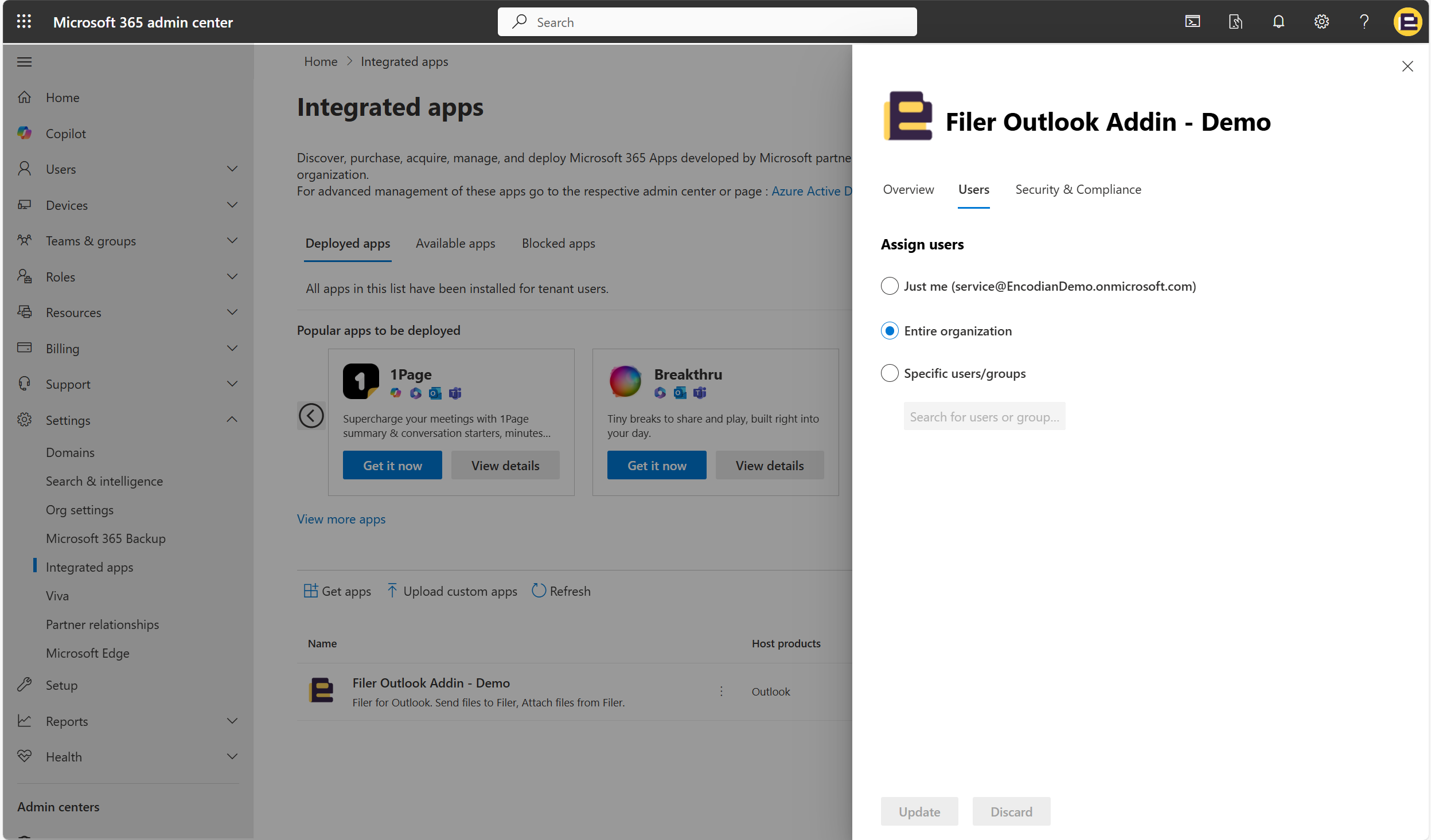
Step 3: Assign the Add-in to Users or AD Groups
- Under Who has access?, choose one of the following deployment options:
- Entire organization: Deploys the add-in to all users.
- Specific users/groups: Assign the add-in to named individuals or an Azure AD security group.
- Just me: Installs the add-in for testing before broader deployment.
- If selecting Specific users/groups:
- Click Add users/groups.
- Search for the individual users or security groups.
- Click Add and then Next.